
A TV screen easily collects dust, fingerprints, and smudges that can affect picture clarity. Cleaning it the wrong way may cause scratches or permanent damage to the display.
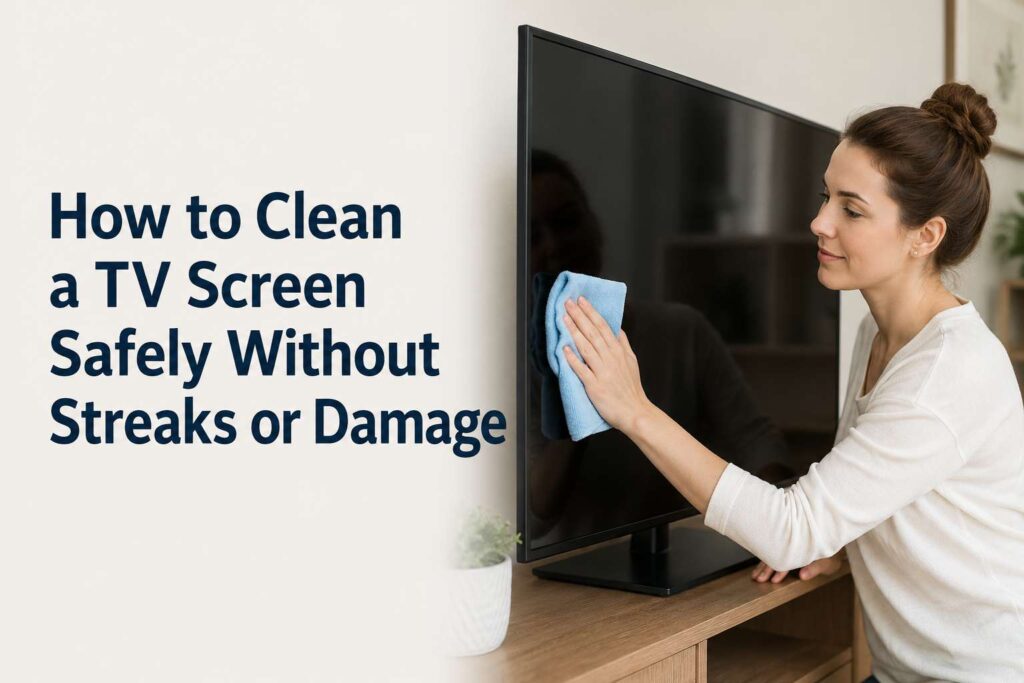
With the proper tools and safe techniques, you can remove dirt without harming the screen’s delicate surface. Regular maintenance keeps your television looking crystal clear and performing at its best.
Essential Items to Keep Ready
- Microfiber cloth
- Distilled water
- Screen cleaning solution
- Spray bottle
- Soft dry brush
Understanding Your TV Screen Type
Modern TVs use LED, LCD, OLED, or QLED panels. These screens have sensitive coatings that protect image quality and reduce glare. Unlike old glass screens, they should never be cleaned with harsh chemicals or abrasive materials.
Before cleaning, always turn off and unplug the TV. A dark screen makes it easier to see dust and streaks. Allow the screen to cool if it has been on for a long time.
How to Clean a TV Screen
Preparation prevents damage. Never spray liquid directly onto the screen. Always apply liquid to a cloth first. Avoid paper towels, tissues, or rough fabrics that can scratch the surface.
1. Dry Microfiber Dusting Method
This is the safest and most basic cleaning technique.
Step-by-Step Instructions
- Turn off and unplug the TV.
- Use a clean, dry microfiber cloth.
- Gently wipe the screen in circular motions.
- Avoid pressing too hard.
- Clean the edges and corners carefully.
Dry dusting removes light dust without risking moisture damage.
2. Distilled Water Cleaning
Best for light smudges and fingerprints.
Step-by-Step Instructions
- Fill a spray bottle with distilled water.
- Lightly spray the water onto a microfiber cloth, not the screen.
- Gently wipe the screen from top to bottom.
- Use a dry part of the cloth to remove moisture.
- Let the screen air dry completely before plugging it back in.
Distilled water prevents mineral streaks and residue.
3. Screen Cleaning Solution Method
Ideal for stubborn smudges.
Step-by-Step Instructions
- Use a cleaning solution specifically designed for TV screens.
- Spray a small amount onto a microfiber cloth.
- Wipe gently in straight lines.
- Avoid circular scrubbing if the stain is tough.
- Dry with a separate clean cloth.
Screen-safe solutions protect anti-glare coatings.
4. Vinegar and Water Mixture
For greasy fingerprints or buildup.
Step-by-Step Instructions
- Mix equal parts distilled water and white vinegar.
- Lightly dampen a microfiber cloth with the mixture.
- Gently wipe the affected area.
- Follow up with a clean damp cloth using plain distilled water.
- Dry immediately with a soft cloth.
Use vinegar sparingly and only when necessary.
5. Cleaning the TV Frame and Stand
Dust often accumulates around the frame and base.
Step-by-Step Instructions
- Use a soft dry brush to remove loose dust.
- Dampen a cloth with mild soap and water for plastic frames.
- Wipe gently without letting liquid drip.
- Dry thoroughly with a microfiber cloth.
Keeping the frame clean improves overall appearance.
6. Removing Stubborn Spots Carefully
Some stains require patience.
Step-by-Step Instructions
- Dampen a microfiber cloth slightly with distilled water.
- Hold the cloth on the spot for a few seconds.
- Gently wipe without pressing hard.
- Repeat if needed using minimal moisture.
- Dry completely.
Never scrape or use sharp objects on the screen.
7. Regular Maintenance Routine
Prevention reduces deep cleaning needs.
Step-by-Step Instructions
- Dust weekly using a dry microfiber cloth.
- Keep windows closed to reduce airborne dust.
- Avoid touching the screen directly.
- Maintain proper room ventilation.
- Clean immediately if spills occur.
Consistent care maintains picture clarity and extends screen life.
Common Mistakes to Avoid
Using Harsh Chemicals
Avoid ammonia, alcohol, acetone, or glass cleaners. These can strip protective coatings.
Spraying Directly on the Screen
Liquid can seep into edges and damage internal components.
Applying Excess Pressure
Pressing hard can cause pixel damage or screen distortion.
Using Paper Towels
Paper-based materials may scratch delicate surfaces.
How Often Should You Clean a TV Screen
Light dusting can be done weekly. Deep cleaning should only be done when visible smudges or dirt appear. Over-cleaning may increase wear on the screen coating.
Frequently Asked Questions
Can I use glass cleaner on my TV screen
No, glass cleaners contain chemicals that can damage modern screens.
Is alcohol safe for cleaning TV screens
High concentrations of alcohol can damage protective coatings. Avoid unless specified by the manufacturer.
Why does my screen have streaks after cleaning
Too much liquid or improper drying can cause streaks. Always use minimal moisture and dry thoroughly.
Can I use tap water
Tap water may contain minerals that leave marks. Distilled water is safer.
Final Words
Cleaning your TV screen the right way protects its display and keeps picture quality sharp. Gentle tools and minimal moisture are key to avoiding damage.
With consistent care and safe cleaning methods, your television will remain clear, streak-free, and enjoyable for years to come.