
AirPods are a convenient, high-tech accessory, but they quickly accumulate earwax, dust, sweat, and grime. Dirty AirPods can affect sound quality, cause discomfort, and even shorten battery life.
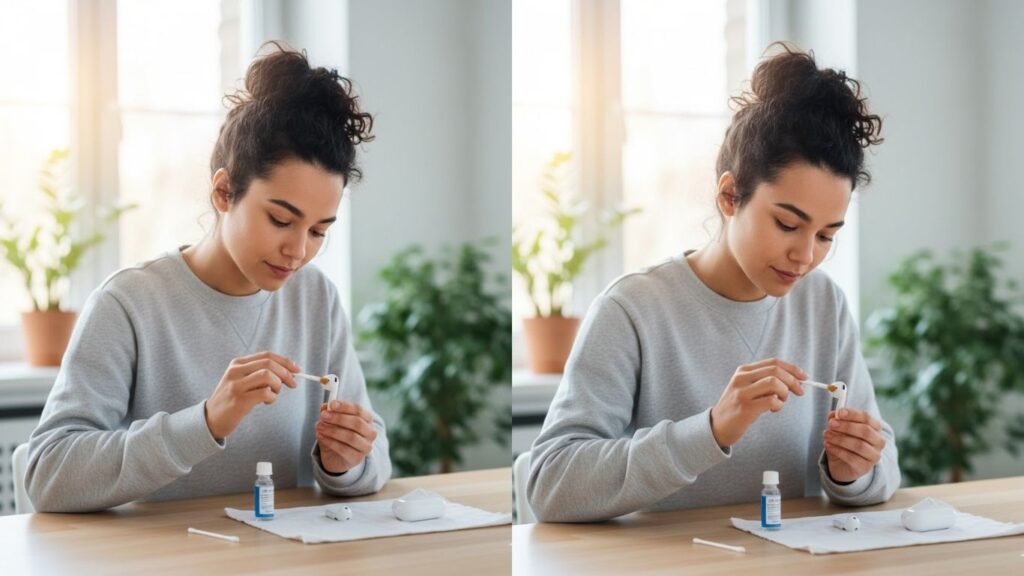
Knowing how to clean AirPods properly keeps them hygienic, functioning well, and looking like new. With careful handling, the right tools, and step-by-step techniques, you can maintain your AirPods for optimal performance and long-term use.
Helpful Items for Cleaning AirPods
- Soft Microfiber Cloth
- Cotton Swabs
- Isopropyl Alcohol (70% or less)
- Toothpick or Soft Brush
- AirPods Cleaning Gel
Understanding AirPods Dirt and Grime
AirPods are exposed to earwax, sweat, oils, and environmental dust. The tiny speaker mesh and crevices make them especially prone to buildup.
Excess debris can:
- Reduce sound clarity
- Affect microphone performance
- Interfere with charging
- Cause hygiene issues
Cleaning AirPods carefully avoids damage to delicate electronics while keeping them fresh and functional.
How to Clean AirPods
Cleaning AirPods requires precision, gentle tools, and proper technique. Below are seven detailed ways to clean different areas and materials effectively.
1. Basic Surface Cleaning
For daily maintenance and light dirt.
Step by Step
- Remove AirPods from Case
Handle carefully to avoid dropping. - Use a Microfiber Cloth
Gently wipe outer surfaces. - Focus on Curves and Buttons
Clean around hinges and sensors. - Avoid Liquids on Charging Port
Protect internal electronics. - Check for Visible Debris
Look at seams and edges. - Repeat Weekly
Keep buildup minimal. - Dry Completely
Ensure no moisture remains before use.
Routine wiping keeps AirPods looking clean and prevents accumulation.
2. Cleaning Speaker Mesh
The speaker mesh is delicate and easily clogged by earwax.
Step by Step
- Use a Dry Cotton Swab
Gently rub the mesh surface. - Avoid Pushing Debris Inside
Light strokes only. - Use a Soft Brush
Loosen particles without damaging the mesh. - Remove Excess Wax Carefully
Avoid sharp tools. - Check in Good Lighting
Ensure all visible debris is gone. - Repeat if Necessary
Light cleaning prevents deep clogging. - Do Not Use Water
Liquids can damage internal electronics.
Keeping the mesh clear ensures optimal sound quality.
3. Cleaning AirPods Case Exterior
The case accumulates fingerprints, dirt, and grease.
Step by Step
- Unplug and Remove AirPods
Protect electronics from liquid exposure. - Dampen Microfiber Cloth Slightly
Use water or isopropyl alcohol. - Wipe Case Exterior
Clean all sides, edges, and hinge area. - Use Toothpick or Soft Brush for Crevices
Remove dirt from seams and hinge lines. - Buff with Dry Cloth
Restore shine and remove streaks. - Check Case for Stubborn Spots
Repeat if necessary, using gentle pressure. - Avoid Over-Saturating
Prevent liquid from entering charging port.
Proper exterior cleaning keeps the case hygienic and visually appealing.
4. Cleaning AirPods Case Interior
Dirt inside the case can interfere with charging.
Step by Step
- Remove AirPods
Never clean with them inside. - Use Dry Cotton Swab
Gently clean the charging slots. - Use a Soft Brush
Remove dust or small debris from corners. - Avoid Liquids
Internal electronics can be damaged. - Inspect with Good Lighting
Ensure all debris is removed. - Repeat if Needed
Light, careful strokes prevent scratches. - Replace AirPods Once Clean
Check charging function afterward.
Keeping the interior clean ensures proper charging and longevity.
5. Disinfecting AirPods Safely
Disinfecting removes germs without harming electronics.
Step by Step
- Use Isopropyl Alcohol on Cloth
Lightly dampen, not soaked. - Wipe Exterior Surfaces
Avoid speaker mesh and charging ports. - Use Alcohol Swab for Case Exterior
Focus on frequently touched areas. - Air Dry Completely
Prevent moisture from entering electronics. - Avoid Sprays or Saturation
Liquids can damage AirPods. - Repeat Weekly
Reduces germs and maintains hygiene. - Handle Carefully
Avoid dropping or jarring electronics.
Regular disinfection keeps AirPods hygienic without risking damage.
6. Using AirPods Cleaning Gel or Putty
Specialized cleaning gels reach small crevices.
Step by Step
- Remove AirPods
Protect electronics. - Press Cleaning Gel Into Crevices
Focus on speaker mesh, seams, and hinge areas. - Peel Off Slowly
Lifts dirt and dust from small openings. - Use Soft Brush for Remaining Debris
Touch up where gel cannot reach. - Clean Exterior Surfaces
Wipe with microfiber cloth. - Inspect for Remaining Dirt
Ensure all areas are clean. - Store Gel Properly
Keep for repeated use.
Cleaning gel reaches areas impossible to clean with cloth or brush.
7. Preventive Care and Routine Maintenance
Proper habits reduce buildup and improve longevity.
Step by Step
- Store AirPods in Case When Not in Use
Reduces dust accumulation. - Wipe After Workouts
Remove sweat or oils immediately. - Avoid Using in Wet or Dusty Conditions
Protects electronics. - Clean Weekly
Prevents buildup before it becomes stubborn. - Use Earphone Covers or Tips
Removable silicone tips help protect the mesh. - Handle with Clean Hands
Reduces oil and dirt transfer. - Regularly Inspect Case and AirPods
Early detection prevents long-term issues.
Routine maintenance keeps AirPods functioning and looking new.
Extra Tips for Cleaning AirPods
- Never submerge AirPods or case in water.
- Avoid using sharp objects that can puncture or scratch.
- Clean in a well-lit area for better visibility.
- Use gentle strokes to avoid damaging mesh and sensors.
- Regular cleaning prevents odor and bacterial buildup.
- Keep microfiber cloths separate from abrasive materials.
- Avoid harsh chemicals; stick to alcohol, water, and cleaning gels.
Common Mistakes to Avoid
- Using excessive liquid near electronics.
- Pushing debris deeper into the mesh.
- Submerging AirPods or case in water.
- Using abrasive tools or rough cloths.
- Ignoring regular maintenance.
- Cleaning with strong chemicals like bleach.
- Not drying surfaces completely before use.
FAQ
Can I wash AirPods with water?
No—submerging AirPods or case can permanently damage electronics.
How often should I clean AirPods?
Light cleaning weekly; deep cleaning and disinfection monthly or as needed.
Can I use alcohol on the speaker mesh?
No—avoid alcohol directly on the mesh; use only on exterior surfaces.
How do I remove stubborn earwax?
Use a soft brush, cotton swab, or AirPods cleaning gel carefully.
Will cleaning affect AirPods warranty?
Proper cleaning does not void warranty; avoid liquid damage.
Can I use sharp tools to clean AirPods?
No—sharp objects can puncture or scratch sensitive parts.
Final Words
Clean AirPods maintain sound quality, hygiene, and longevity. Proper methods remove earwax, dust, and grime without risking damage.
By following these seven cleaning techniques, preventive care habits, and maintenance tips, your AirPods will stay fresh, functional, and ready for use—enhancing every listening experience.